LaunchTab

Chrome Extension

Your new tab. Your next event.

LaunchTab turns the new tab page into a full-screen countdown to something you are actually waiting for. A game, a movie, a wedding, a trip, the day your contract ends.

Free. No account, no sign-up, no ads.

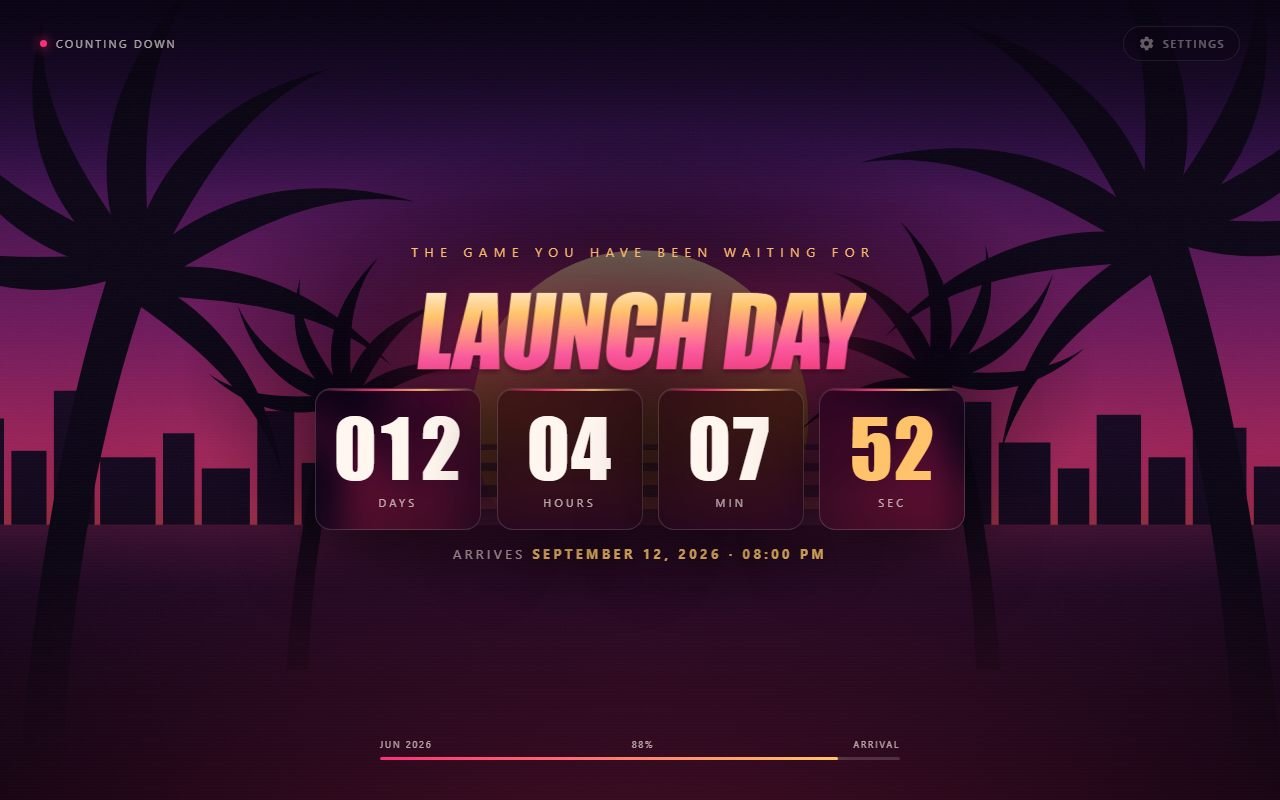
Chrome new tab showing a 12-day countdown over a sunset scene with palm trees.

Support the project

LaunchTab is free and will stay that way: no ads, no paid tier, nothing locked behind a sign-up. If you find it useful and want to help keep the work going, you can chip in whatever you think it is worth.

One-time, any amount, no account needed. It does not unlock anything — every feature stays free for everyone.

Support with a card

A countdown on every new tab

You open dozens of tabs a day. LaunchTab uses that space to show how much time is left until the dates that matter to you — and nothing else.

Multiple countdowns

Create as many events as you need. With two or more, shortcuts appear in the footer to switch between them — or let it rotate on its own every 15 seconds. When one event passes, the others stay.

Six themes

Each with its own artwork, typography and palette, so the mood matches the occasion — from eighties neon to plain, sober paper.

Your own images

Up to 10 photos per event. With more than one, they crossfade every 10 seconds with a slow zoom. Your photos never leave the device.

Settings inside the tab

No separate page. Press S to open the panel, Esc to close. Name, caption, date, time, theme and images all live there.

Follows you

Your events and dates use Chrome's own sync, so they show up on the other computers where you are signed in.

English and Portuguese

The extension follows your browser's language, with no picker. Dates follow too: “December 30, 2026” becomes “30 de dezembro de 2026”.

Six themes for your countdown

All drawn as vectors and bundled with the extension. They paint on the first frame, without waiting for the network.

Vice theme: purple and pink sunset with palm trees and a skyline.

Vice

Games, neon, the eighties.

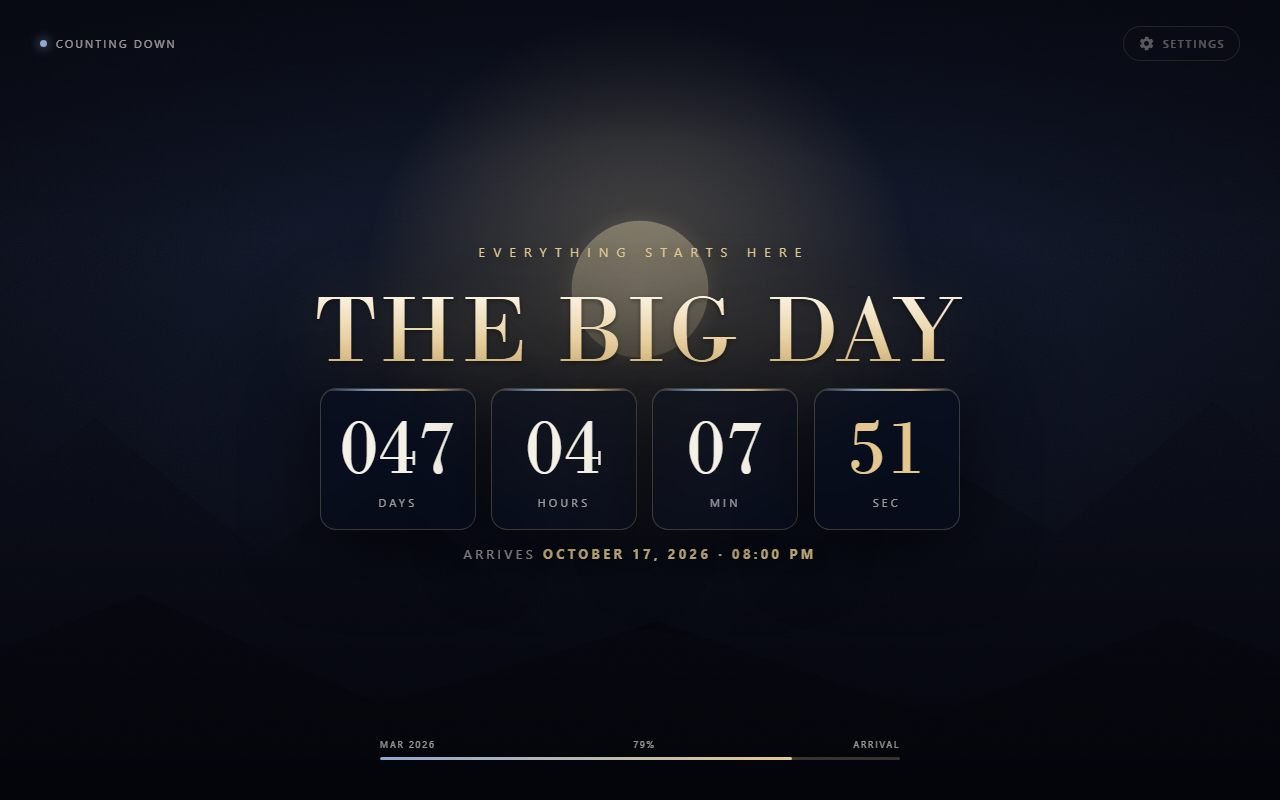
Onyx theme: deep midnight blue with gold serif type.

Onyx

Weddings, graduations, galas.

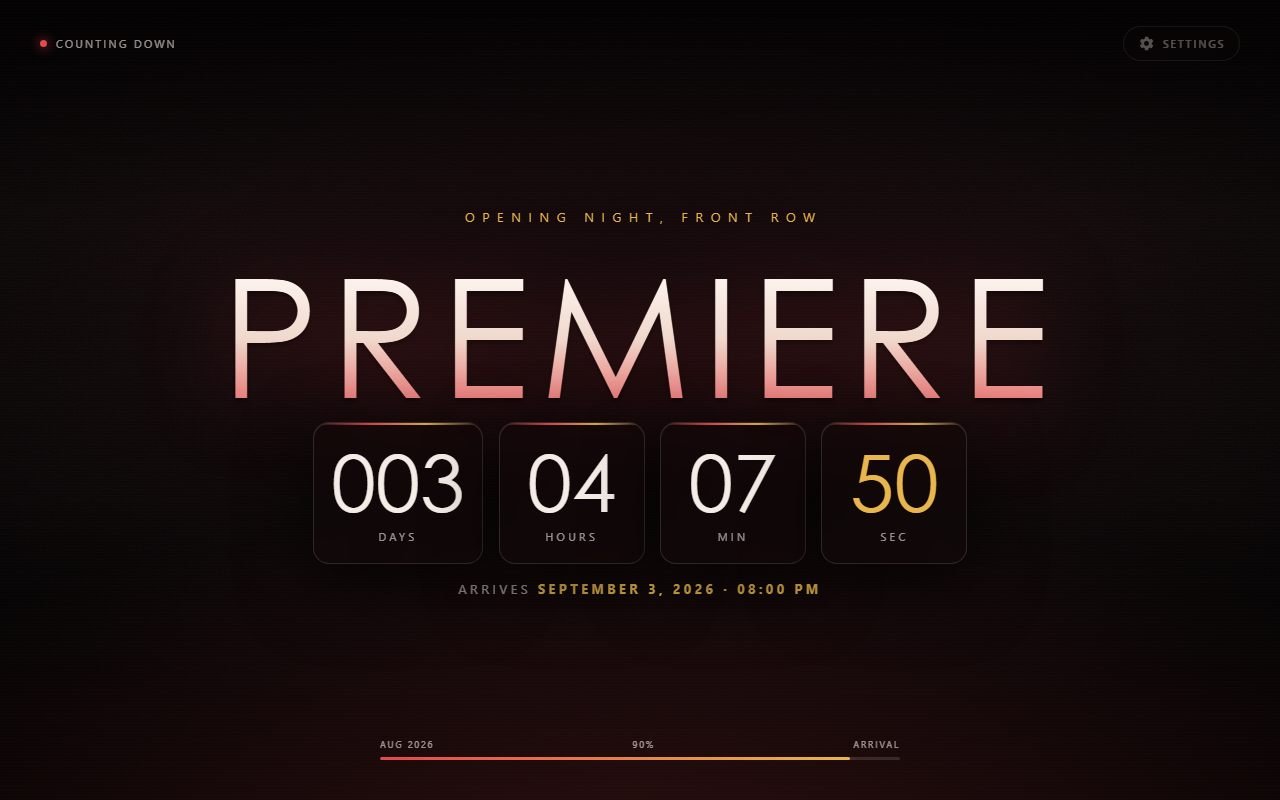
Cinema theme: dark reddish background with a thin, wide title.

Cinema

Films, series, premieres.

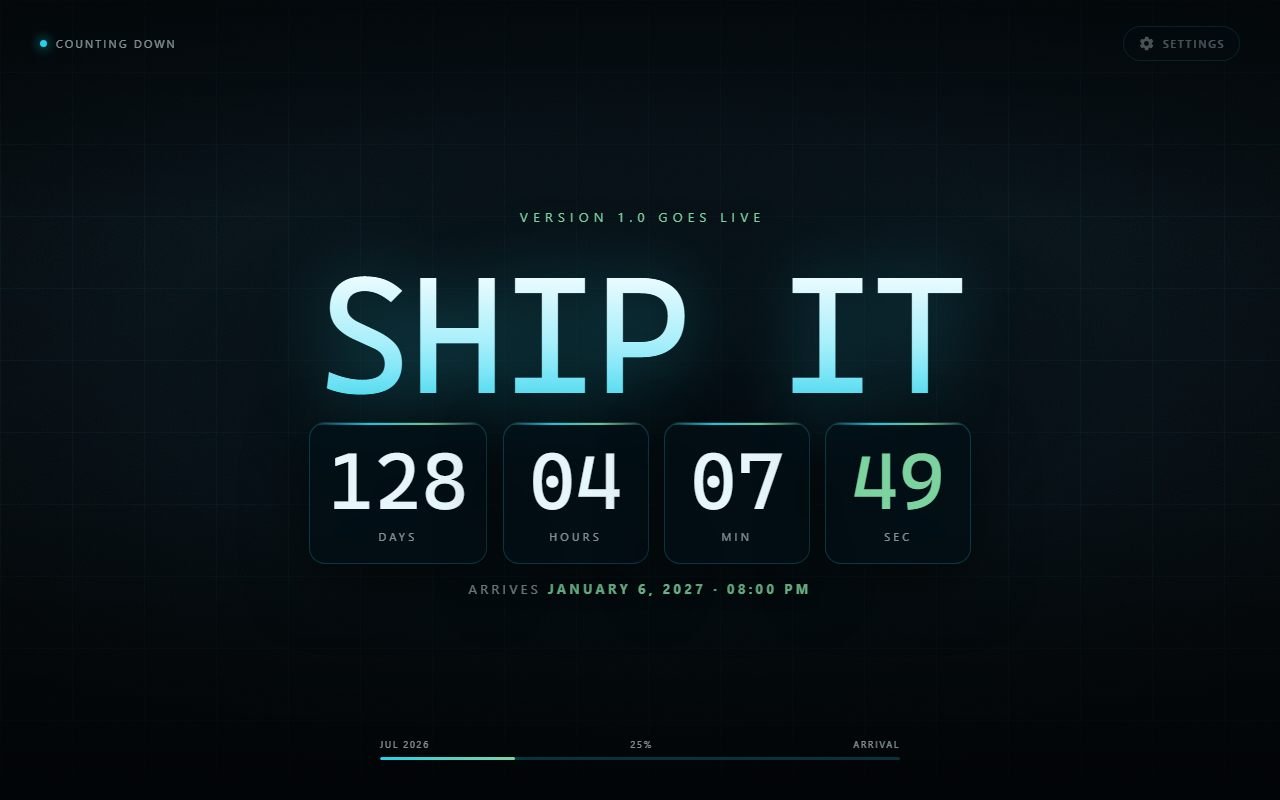
Console theme: dark technical grid with cyan and green accents.

Console

Products, deploys, tech launches.

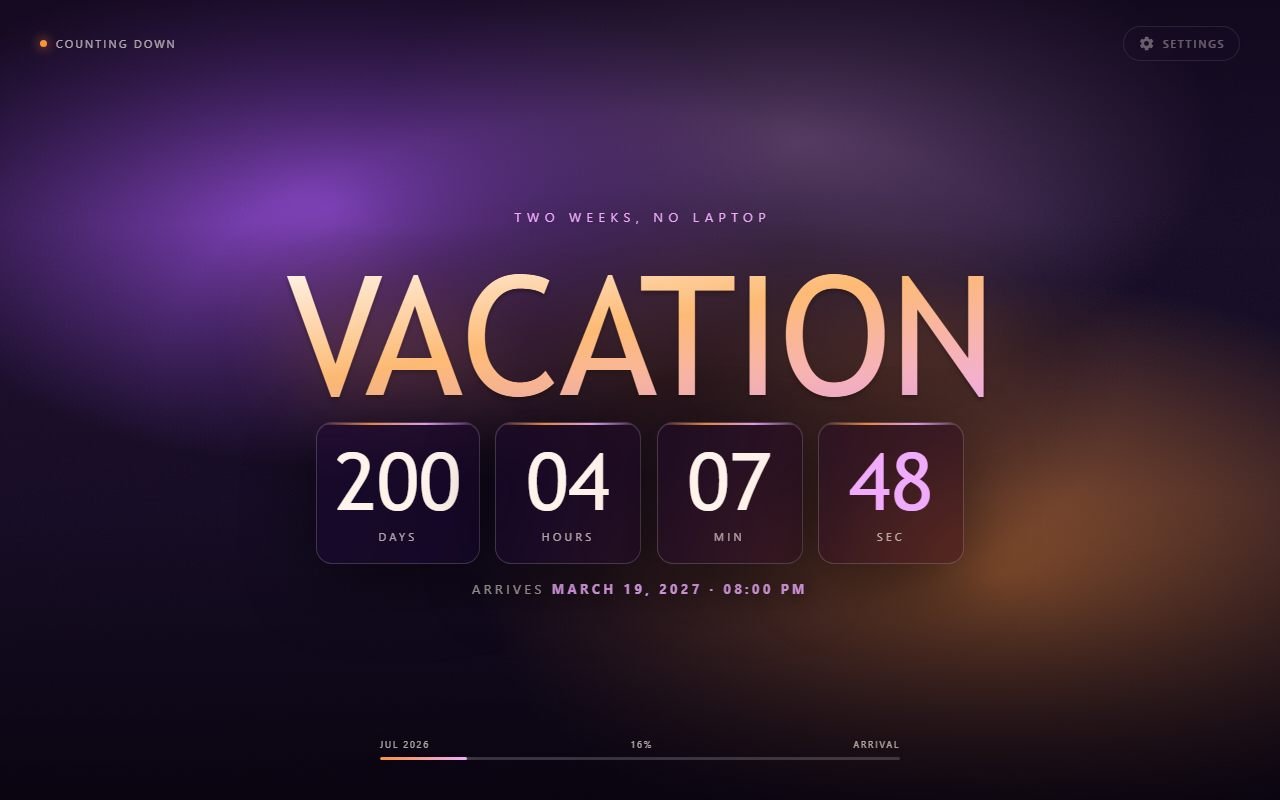
Confetti theme: soft purple and orange blooms in the background.

Confetti

Birthdays, trips, holidays.

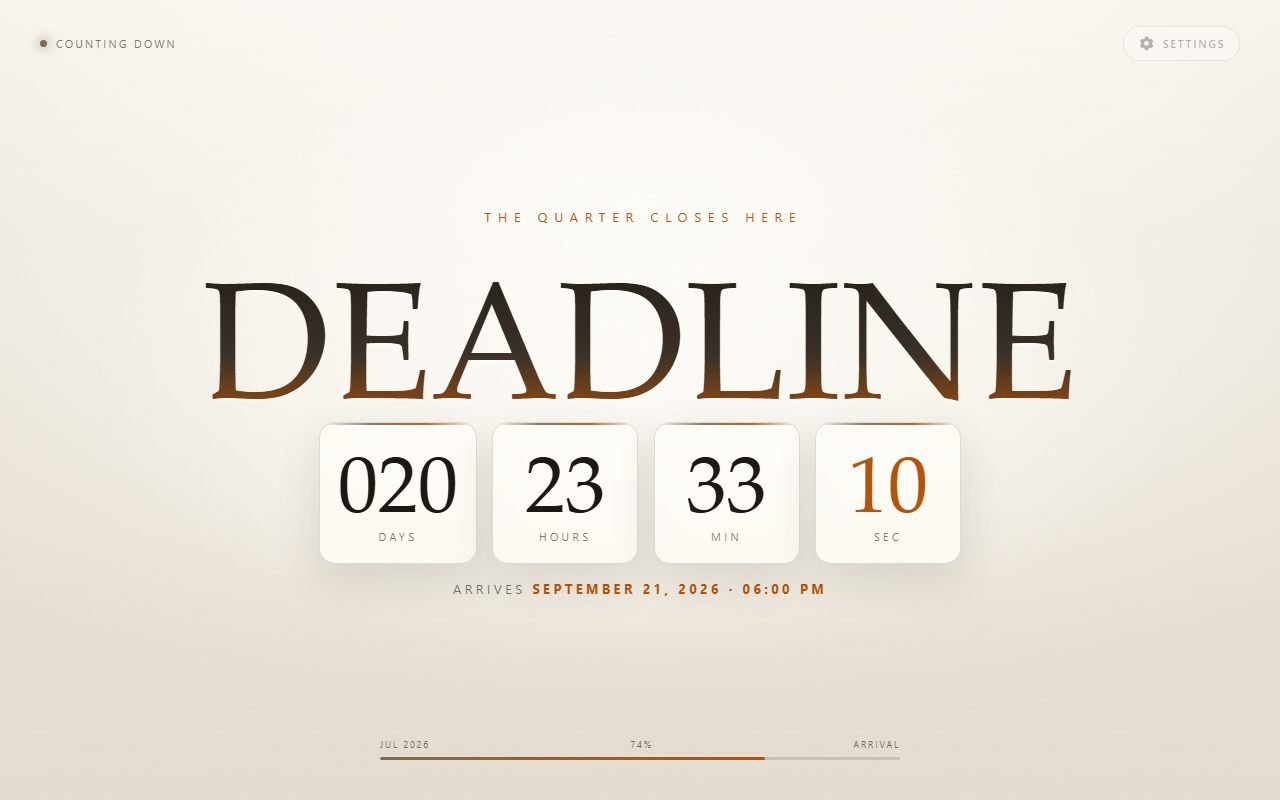
Kraft theme: light paper-coloured background with dark serif type.

Kraft

Light, sober, corporate.

From your browser to the wall

The same countdown that fills your new tab works on a screen the whole team can see. Nothing about the product changes — only the size of the monitor.

With two or more events, turn on Rotate on its own in the settings: the countdown moves to the next one every 15 seconds. A monitor in the corner shows every project deadline with nobody clicking anything.

Leave a Chrome tab open in full screen with F11 and that is it. No server to go down, no licence to renew, no account whose password someone will forget. It works with no internet.

And the dates do not have to be work. A sprint delivery, a contract ending, a product launch — or the trip you booked, the wedding, the show you have tickets for, the game you have waited years for. The extension does not know the difference, and counts the days the same.

Full-screen countdown to a delivery deadline, with a progress bar and shortcuts to the other projects in the footer.

It collects nothing

LaunchTab has no server and makes no network requests at all. There is no “us” for your data to reach.

Replacing the new tab is one of the most abused categories in the store, and for good reason: it is the doorway for search hijacking and ad injection. That is why it is worth stating what LaunchTab does not do, and making it verifiable — Chrome lists every permission an extension holds at chrome://extensions.

Read the full privacy policy.

Frequently asked questions

What people usually ask before installing.

How do I put a countdown on the Chrome new tab page?

Install LaunchTab from the Chrome Web Store and open a new tab. Press S to open the settings, name your event and pick the date. From then on every new tab shows the countdown.

Is LaunchTab free?

Entirely. There is no paid tier, no ads, no trial and nothing locked behind a sign-up. You can support the development voluntarily, but nothing in the app changes either way.

Does it work offline?

It does. The themes are drawn as vectors and ship inside the extension, and the countdown is computed on your own device. The extension makes no network requests at all.

Can I have more than one countdown?

Yes. Create as many events as you like; with two or more, shortcuts appear in the footer to switch between them in one click. When an event passes, the others stay.

Can I use my own background images?

Yes, up to ten photos per event. With more than one they crossfade every ten seconds with a slow zoom. Images are stored only on the device where you added them and never leave it.

Does the extension collect or send any data?

No. It asks for a single permission, storage, which is what remembers your countdowns. There is no server, account, telemetry, cookie or ad — and Chrome lists every permission an extension holds at chrome://extensions.

How do I get the original Chrome new tab back?

Just uninstall the extension: Chrome restores the default new tab immediately, and all LaunchTab data is deleted with it.

Can I use it on an office TV or wall display?

Yes. Create one event per project, turn on Rotate on its own in the settings, and leave a Chrome tab open in full screen with F11. It moves to the next countdown every 15 seconds with nobody clicking. It works with no internet and needs no account or licence.
Start counting

Install it, pick a date, and close the tab. It will be waiting the next time you open one.

Add to Chrome

Free. No account, no sign-up, no ads.